
 Latest version Multilanguage.
 The License begins its period of validity when the client uses it for the first time.
 Email Delivery.
 100% genuine Products.
 Free Help Center.
Secure and Fast Payments

Online Delivery

100% Original and Guaranteed Licenses

Professional Technical Assistance
Our Privacy Policy explains our principles when it comes to the collection, processing, and storage of your information. This policy specifically explains how we employ cookies, as well as the options you have to control them.
Cookies are small pieces of data, stored in text files that are stored on your computer or other device when websites are loaded in a browser. They are widely used to "remember" you and your preferences, either for a single visit or for multiple repeat visits
We use cookies for a number of different purposes. Some cookies are necessary for technical reasons; some enable a personalized experience for both visitors and registered users; and some allow the display of advertising from selected third party networks.
Visitors may wish to restrict the use of cookies or completely prevent them from being set. If you disable cookies, please be aware that some of the features of our service may not function correctly
We only collect information about you if we have a reason to do so-for example, to provide our services, to communicate with you, or to make our services better.
We are committed to maintaining the trust and confidence of our website visitors. We do not collect, sell, rent or trade email lists or any data with other companies and businesses. Have a look at our Privacy Policy page to read detail information on when and why we collect your personal information, how we use it, the limited conditions under which we may disclose it to others and how we keep it secure.
We may change Cookies and Privacy policy from time to time. This policy is effective from 24th May 2018.
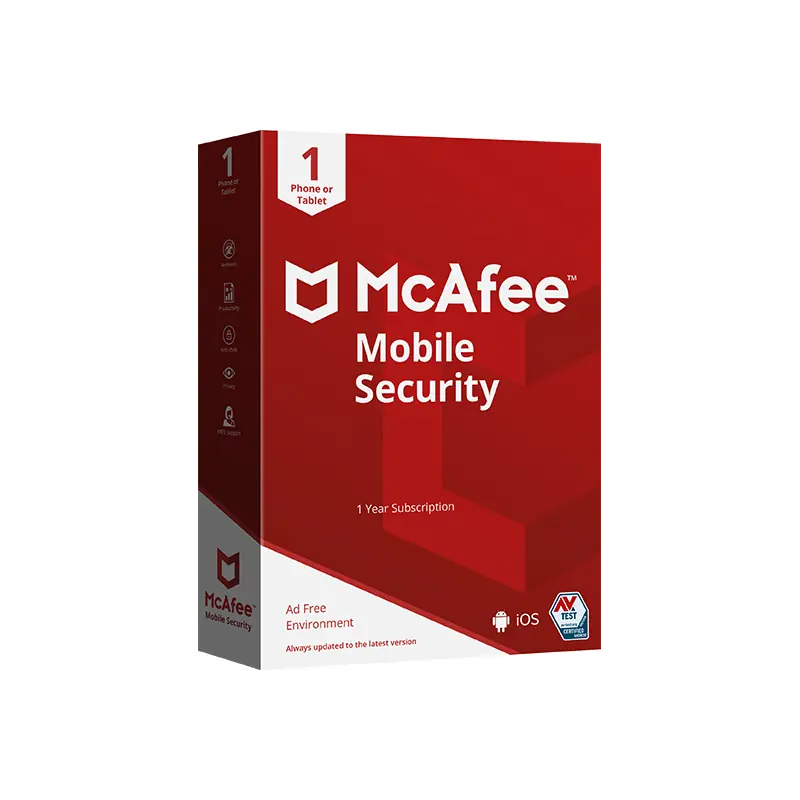
McAfee Mobile Security Antivirus for iOS
Protect up to five devices with these features:
Connect privately with VPN on public Wi-Fi VPN (ONLY ON VERSION MOBILE SECURITY PLUS)
Monitor up to 10 email addresses online with alerts for detected breaches
Safer browsing online
Enjoy safer mobile devices with all-in-one protection
Mobile devices can be vulnerable to a wide range of attacks, including malware infections, phishing attacks, and identity theft. Comprehensive mobile security for iOS devices offers protection for your identity, privacy, and more.
Identity Monitoring
Monitor personal info like email accounts, phone numbers, SSNs, and more. If any breaches are found, we’ll alert you an average of 10 months before our competitors, so you can take action before your info ends up in the wrong hands.
Online privacy with Secure VPN (ONLY ON VERSION MOBILE SECURITY PLUS)
McAfee unlimited VPN turns on automatically to protect your personal data and credit card info, so you can bank, shop, and browse online privately anywhere you go.
Antivirus
Rest easy knowing your mobile phones, tablets, and computers are protected from the latest threats with award-winning antivirus*.
The confidence of protection for iOS devices
iOS devices can be attacked by malware and other forms of malicious software. Our mobile security app offers peace of mind by protecting your identity, privacy, and device.
Frequently Asked Questions
Can mobile devices get viruses?
Yes. Although less common, iOS devices can still get viruses despite their built-in phone security. Threats like viruses and malware can enter through external sources, such as third-party applications, malicious websites, and iMessage links.
Does my mobile device need antivirus protection?
Yes. A security app will give you layers of protection against viruses and malware. Paired with built-in OS-level protection and Secure VPN, it will easily allow you to detect and avoid threats as you manage your digital life.
How do I protect my phone from getting infected?
Aside from downloading a reliable antivirus app, there are preventive measures that can also help you protect your phone against external threats. Here are some best practices to keep in mind:
Practice safe browsing and shopping habits
Keep your passwords secure
Avoid visiting malicious websites
Avoid downloading unlicensed third-party apps
Back up your data
Keep your operating system and antivirus software up-to-date
Use public WiFi with caution
What are the common signs that my phone has a virus?
Mobile malware and viruses can affect the performance of the device and its stored applications. The symptoms of an infected phone can easily be detected by observing its behavior. Here are easy ways to tell if your phone caught a virus.
Your battery is draining fast
Your phone is constantly lagging
You encounter pop-up ads wherever you go
You see unusual apps on your phone that you never downloaded
Your downloaded apps are constantly crashing
How can I remove viruses from mobile devices?
You can use the McAfee Security iOS app to scan for viruses, with an option to delete the data or application infected with the virus or to delete the actual malware itself. After this, you can restart or reset your mobile device and restore your content.

After you complete your payment, your product will be available in your customer account under Order History.
Latest version Multilanguage.The License begins its period of validity when the client uses it for the first time.Email Delivery.100% genuine Products.Free Help Center.